Scroll app icon — a paper scroll with a glowing waveform

Scroll for macOS

Understand any page as fast as you can scroll.

Scroll watches what's on your screen and explains it out loud — summarizing when you skim, going deep when you slow down, answering the moment you ask. Read less, understand more.

Download free trial ›

macOS 26 Tahoe or later · 7-day free trial · One-time purchase · Bring your own OpenAI key for Cloud, or use Local-only with no key

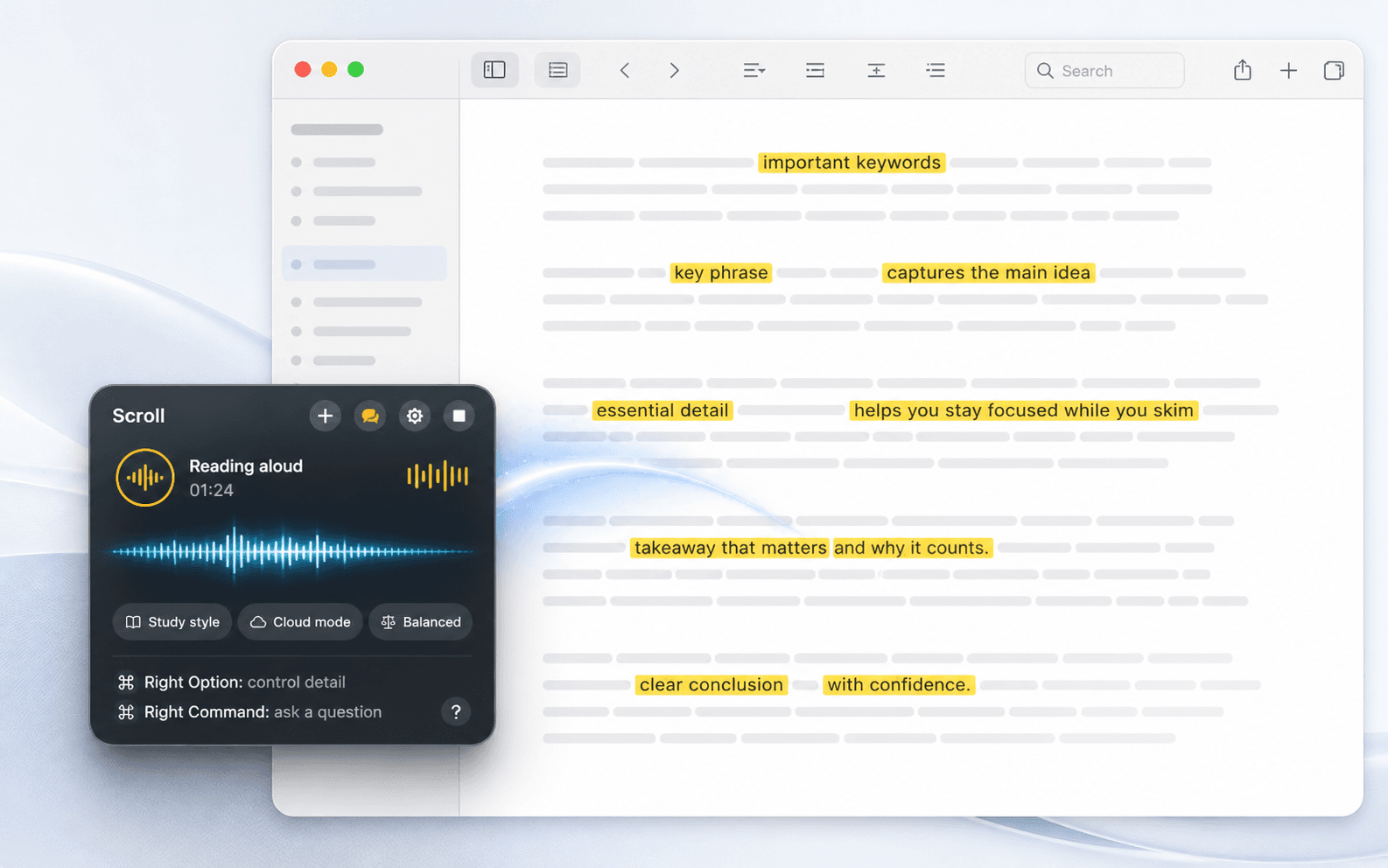
Scroll's floating macOS panel showing the narrator status, timer, settings, stop control, and chips for Executive Brief, Cloud mode, and Economy model.
The floating panel stays short and glanceable: narrator status, voice controls, style, processing mode, model tier, and Right ⌥ to toggle Scroll from any app.
Scroll to hear it

Live narration · keeping pace with you

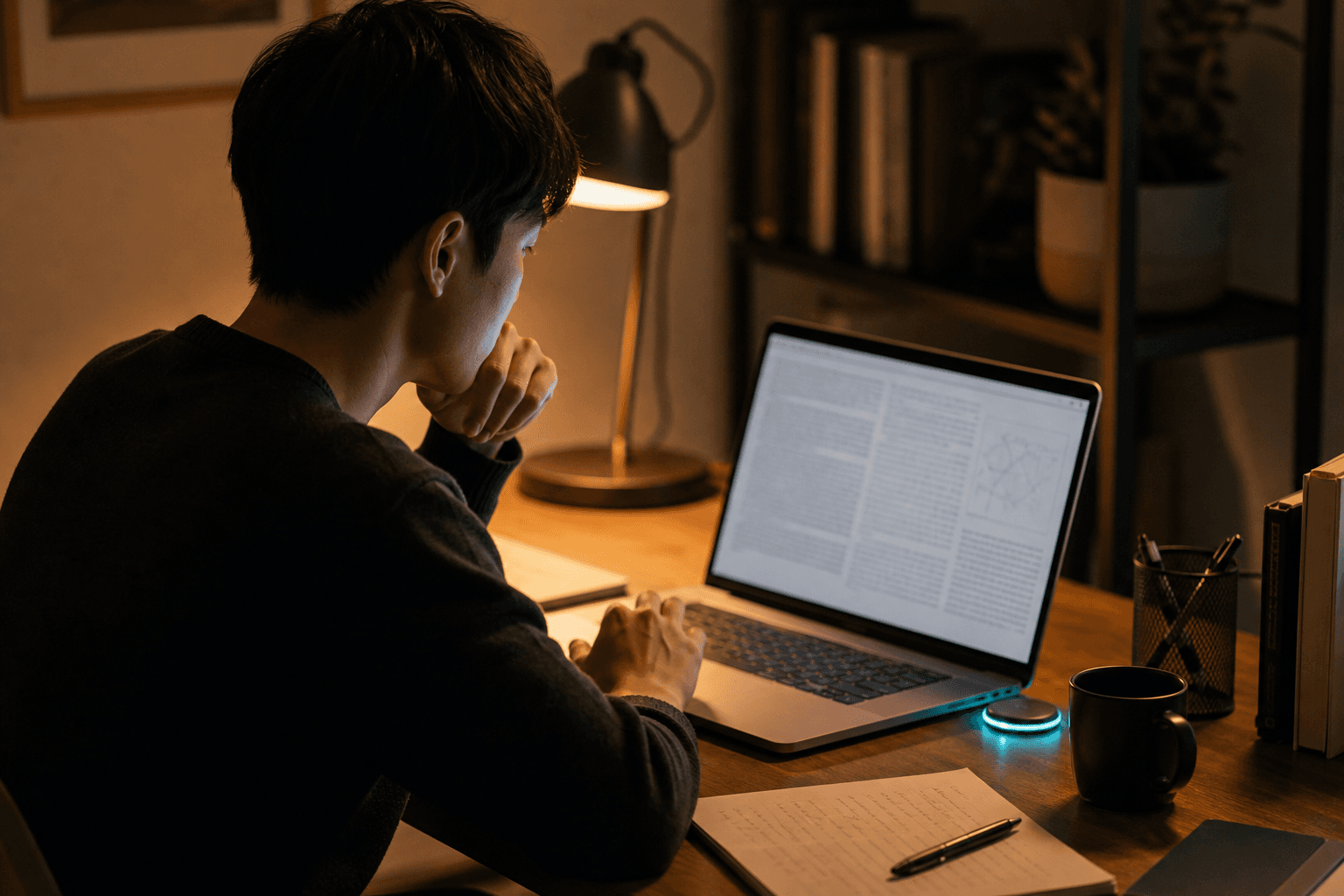
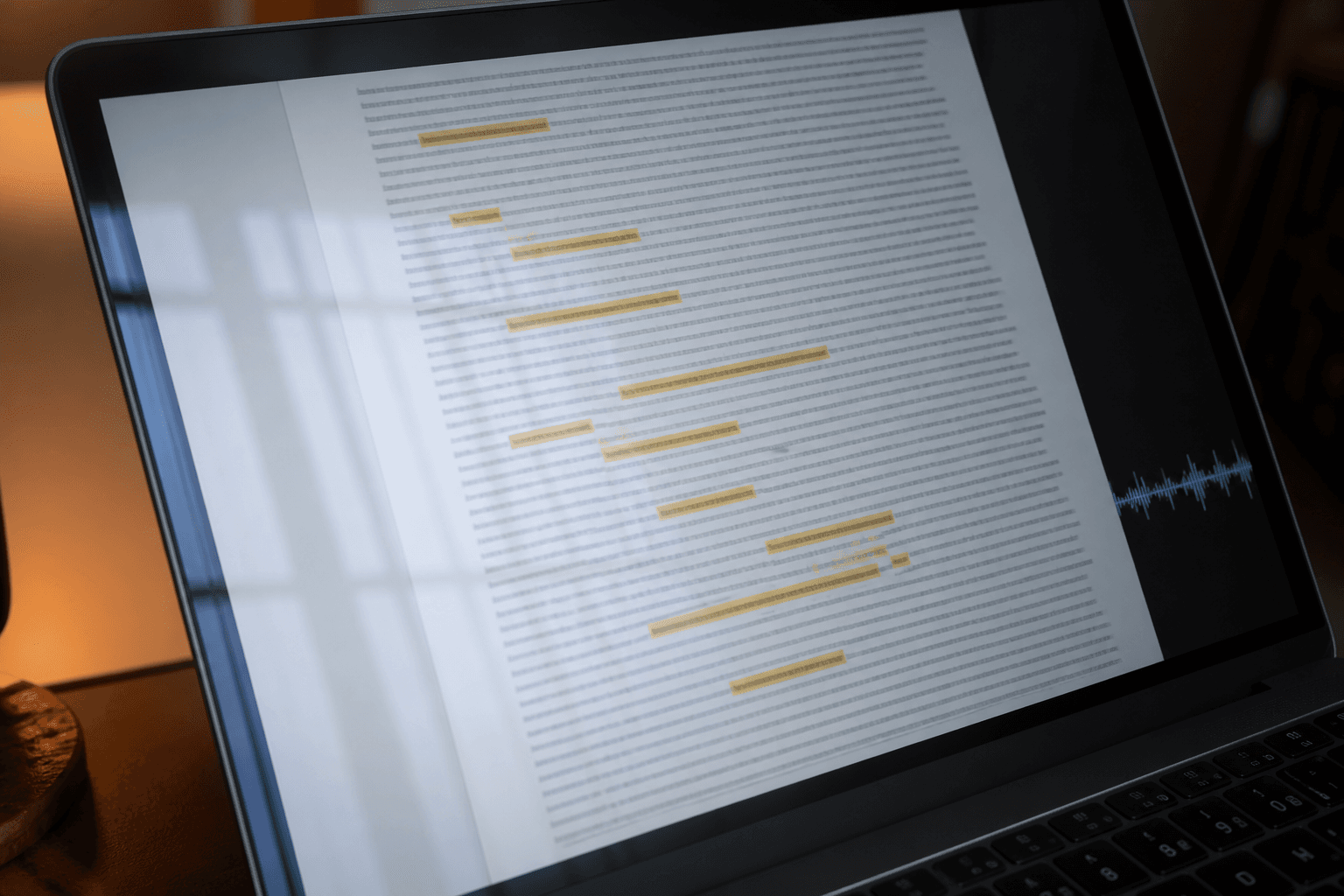
This is what Scroll does. As your eyes move down a page, a voice keeps pace summarizing when you fling, explaining when you settle, and going quiet the instant you move on. Stale narration is worse than silence, so it never falls behind.

How it works

No prompts. No wake word. Just scroll.

1

Toggle it on

Tap Right ⌥ from any app. Scroll lives quietly in your menu bar until you call it.

2

Read with your trackpad

Scroll extracts the text under your eyes on-device — from the accessibility tree, or OCR when an app exposes nothing.

3

Hear it explained

A realtime voice narrates at the altitude you've earned: headlines at speed, full detail when you dwell.

Pacing

Velocity is the steering wheel.

Scroll reads your hand, not just your screen. The speed of your scrolling decides how much it says.

0 px/s · dwell

Settle

You stopped. Scroll reads this passage closely — full sentences, real depth.

slow · reading pace

Steady

A measured walk through the content, paragraph by paragraph, just ahead of your eyes.

fast · skimming

Fling

Headlines and gist only. The narrator compresses to match your speed.

reverse · scroll up

Reversal

Scrolled back and dwelled? That means "say that again." It does.

Modes

Change how Scroll thinks, speaks, and spends.

The HUD chips are not decoration. They control the narrator persona, privacy boundary, and realtime model without sending you hunting through settings.

Narration styles

Twelve ways to listen.

Pick the voice of the explanation: a quick brief for skimming, a tutor for learning, a reviewer for code, or a professional operator for status, blockers, owners, and next steps.

General GuideQuick BriefStudy TutorSocratic TutorDeveloper GuideCode ReviewerExecutive BriefFinance AnalystLegal Plain-EnglishResearch AnalystProfessional OperatorAccessibility Reader
Processing

Cloud when you want the best voice. Local when you want silence.

Cloud mode uses OpenAI Realtime with your own OpenAI API key, billed by OpenAI to your account. Local-only mode needs no key, sends nothing to OpenAI, and uses Apple's on-device model with system speech.

Model tier

Standard for quality. Economy for longer sessions.

Standard runs on gpt-realtime-2 for the best narration. Economy uses gpt-realtime-mini to bring your OpenAI spoken-minute cost down by roughly three times.

Settings

Fast controls on the HUD, full control behind the gear.

The gear opens the full settings window for your OpenAI key, privacy exclusions, screenshot context, redaction, voices, document memory, and launch behavior.

Features

Not a screen reader. It understands.

A screen reader speaks every word. Scroll reads the page, works out what matters, and tells you that — then answers your questions, reads charts, and remembers what you've seen.

🎙️Ask your screen anything

Hold Right ⌘ and just talk — "wait, what does that clause actually commit us to?" Scroll answers about what's on screen, out loud, in the same voice. No window, no prompt box, no copy-paste.

✂️Precise barge-in

Scroll away mid-sentence and narration cuts off at the exact word you last heard. The narrator never talks over where you've already gone.

📄Works on almost anything

Safari, Chrome, Mail, Notes, PDFs, Electron apps. Vision OCR takes over seamlessly when an app exposes no text — even mid-session.

📊Understands charts

When text can't carry the meaning — graphs, dashboards, figures — Scroll looks at the actual pixels and tells you the takeaway, not the axis labels.

🧠Remembers what you read

Every passage is fingerprinted, so re-scrolling stays silent — and re-opening yesterday's document resumes where you left off instead of starting over.

🔒Local-only mode

Flip one switch and everything runs on-device — Apple's foundation models for comprehension, system speech for the voice. Nothing leaves your Mac. Prefer the cloud? Choose Standard quality or an Economy tier at a third of the cost.

Privacy

Private by architecture, not by promise.

Your screen is sensitive. Scroll treats it that way — every block, every time.

  • On-device extraction. Text is read locally; screenshots are sent only for charts, only if you allow it, and it's off in local-only mode.
  • Exclusion list. Banks, password managers, or any app you name — Scroll refuses to read them.
  • Redaction before egress. Emails, card numbers, and secrets are scrubbed before any text leaves the machine.
  • A live inspector. See exactly what was extracted and what was sent, block by block. Trust, then verify.
Pricing

One price. Yours forever.

$49launch price — $99 later
  • Lifetime license for up to 3 of your Macs, with updates included.
  • 7-day free trial first — every feature, no account, no card.
  • Everything in the box: realtime narration, voice questions, chart understanding, local-only mode.
  • 14-day refund policy. Payments, receipts, and license keys are handled by Polar as merchant of record.
Try free for 7 days ›

Cloud narration uses your own OpenAI API key — you pay OpenAI directly for usage. Scroll does not include, proxy, resell, or mark up cloud usage. Local-only mode needs no key and no OpenAI account.

Read less. Understand more.

Try Scroll free for 7 days. Keep it forever for $49 — before the price goes up to $99.

Download free trial ›

Sold by TinkerClaw · Payments by Polar · Built in Swift